Bookmarks & saved items
Return to reading references, songs, verses and other supported content.
 daily nectar
A SPIRITUAL LEARNING COMPANION
Explore sacred literature, discover Vaishnava songs, save meaningful knowledge and build a daily practice—all in one thoughtful space.
For Android · Version 2.1.4
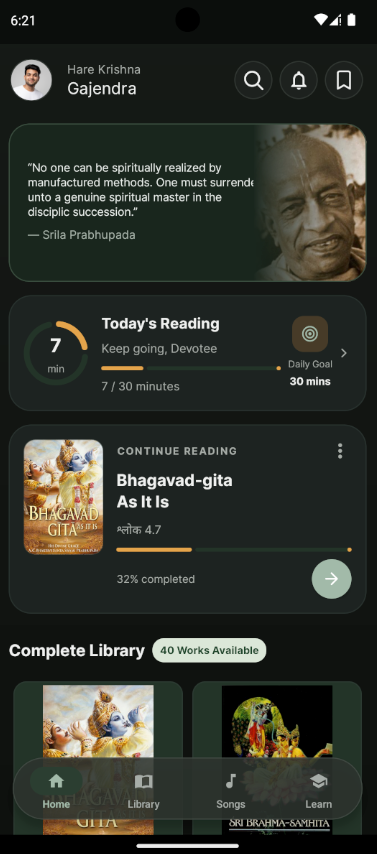
Daily Nectar brings spiritual reading, devotional songs and guided learning into one calm Android experience. Explore at your pace, keep the passages that matter and return to what you are learning.
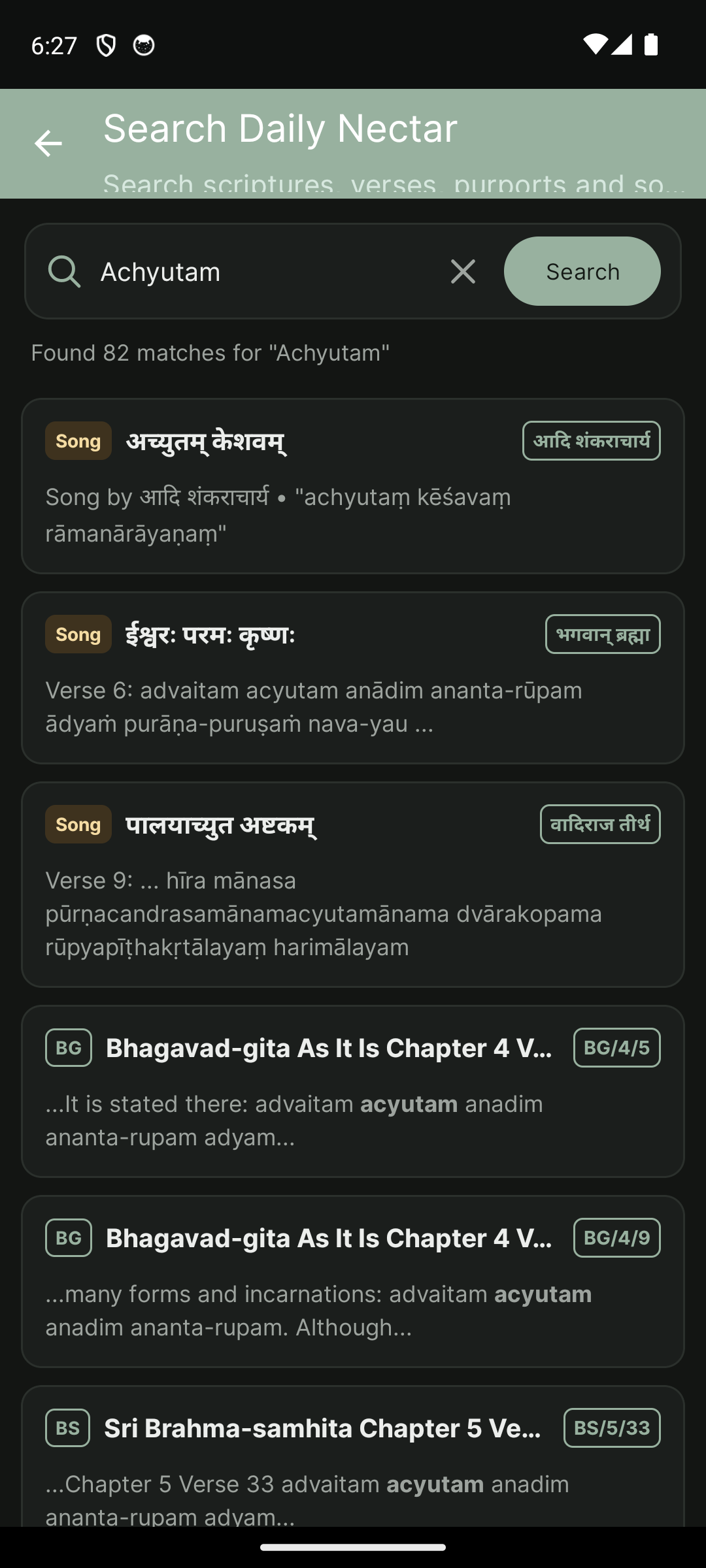
Look up a scripture reference, find a passage, or search Vaishnava song titles, authors and lyrics from one place.
Search the content available in Daily Nectar. No AI or voice-search claims.
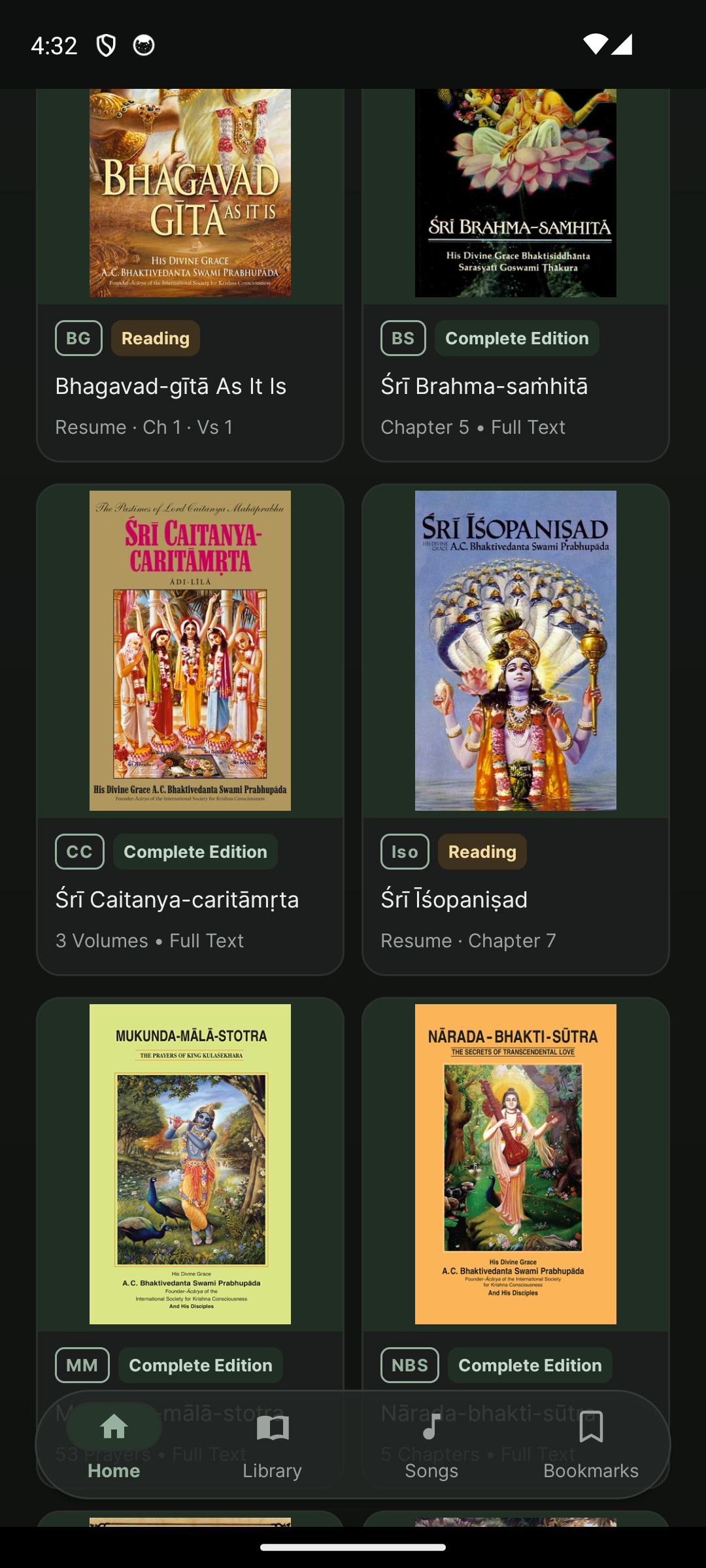
Explore 42 catalogued works, including Bhagavad-gītā, Śrīmad-Bhāgavatam and other spiritual publications. Thirteen canonical works are designated as bundled; other content varies by title and download status.
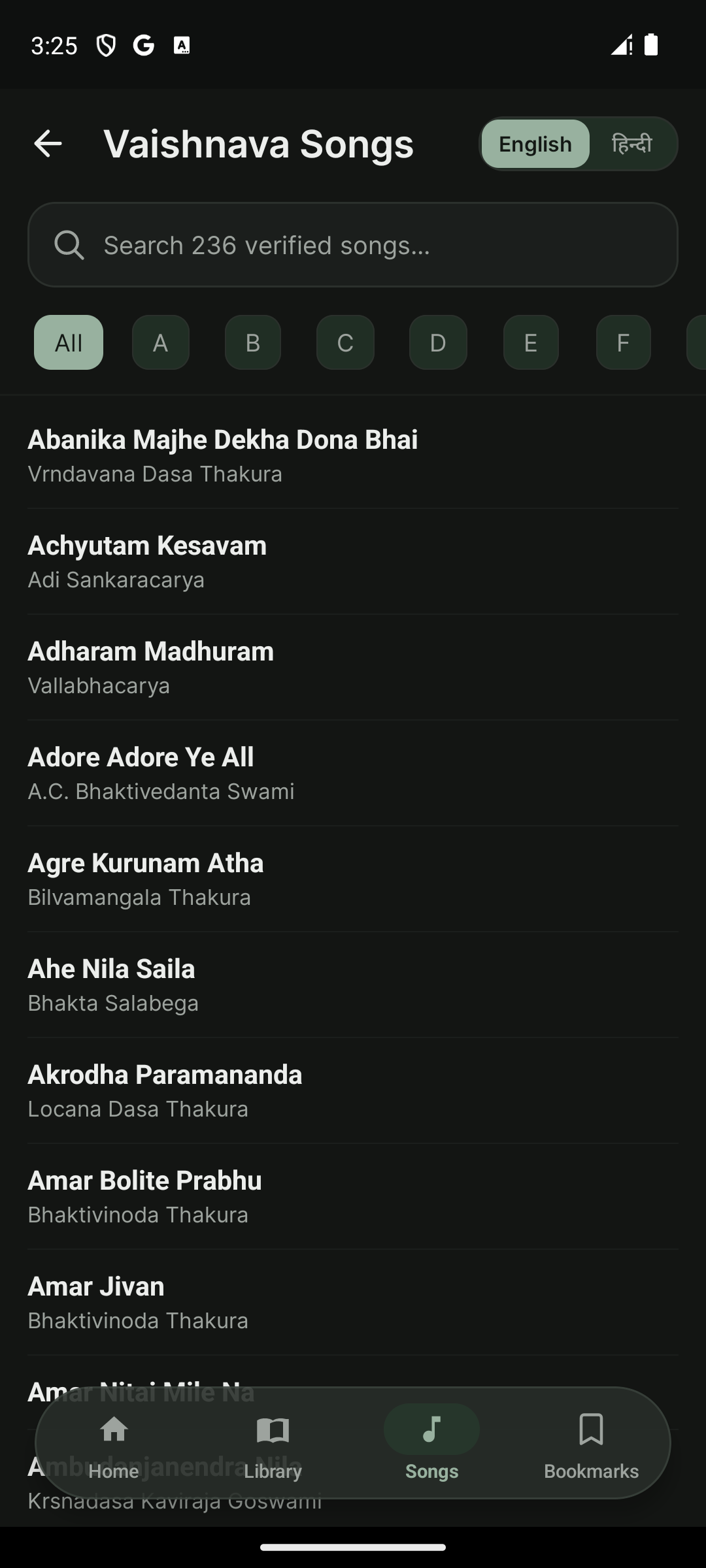
Browse the verified song collection by title, author or lyric. Open a song to read its verses and available translations.
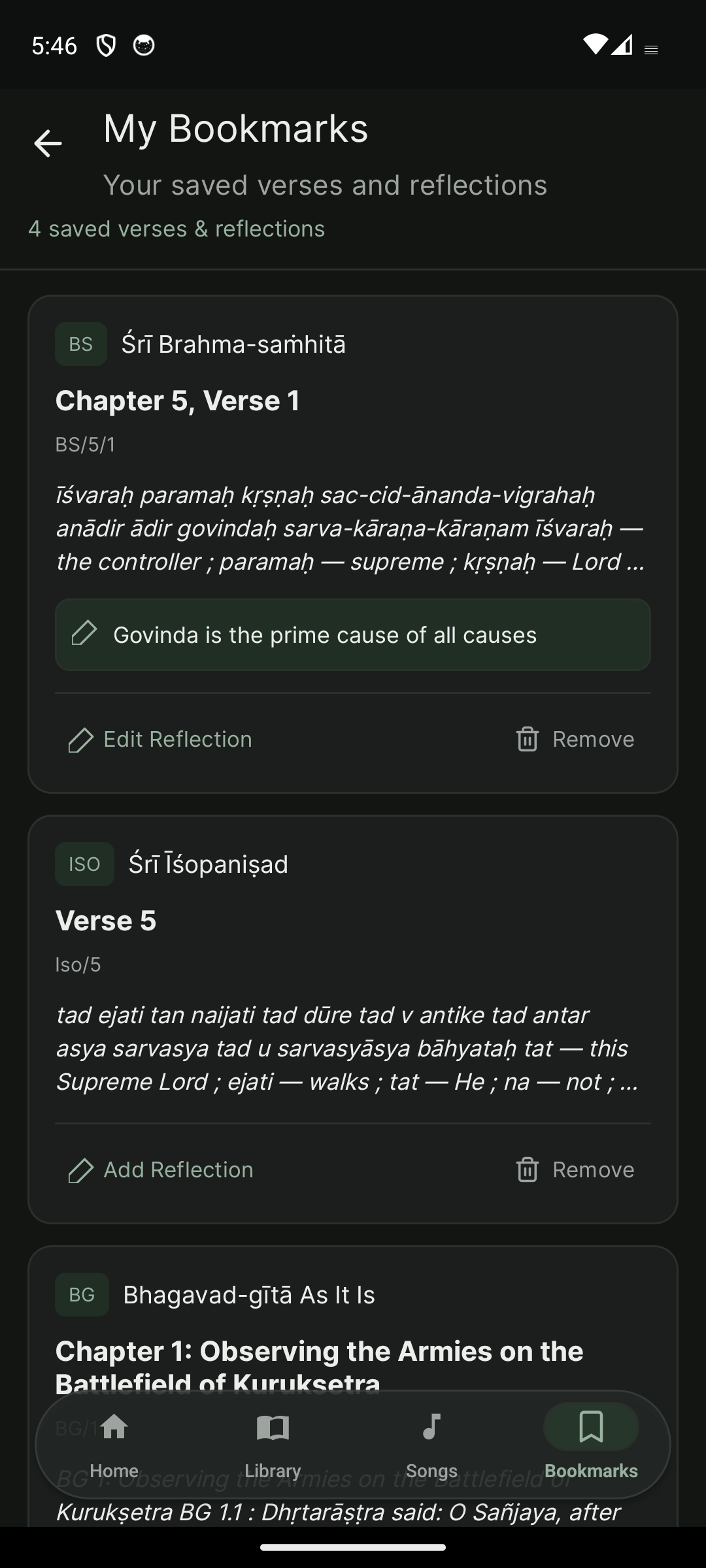
Save meaningful passages and learning items, add reflections, write personal notes and track devotional practice tasks.
Return to reading references, songs, verses and other supported content.
Capture observations and link reflections to supported reading references.
Create a task, choose a category and priority, then mark it complete.
Notes, saved items and tasks are available in the personal workspace. Cross-device sync for these items is not confirmed.
Choose light or dark mode, adjust text size and settle into a layout that feels right for you.
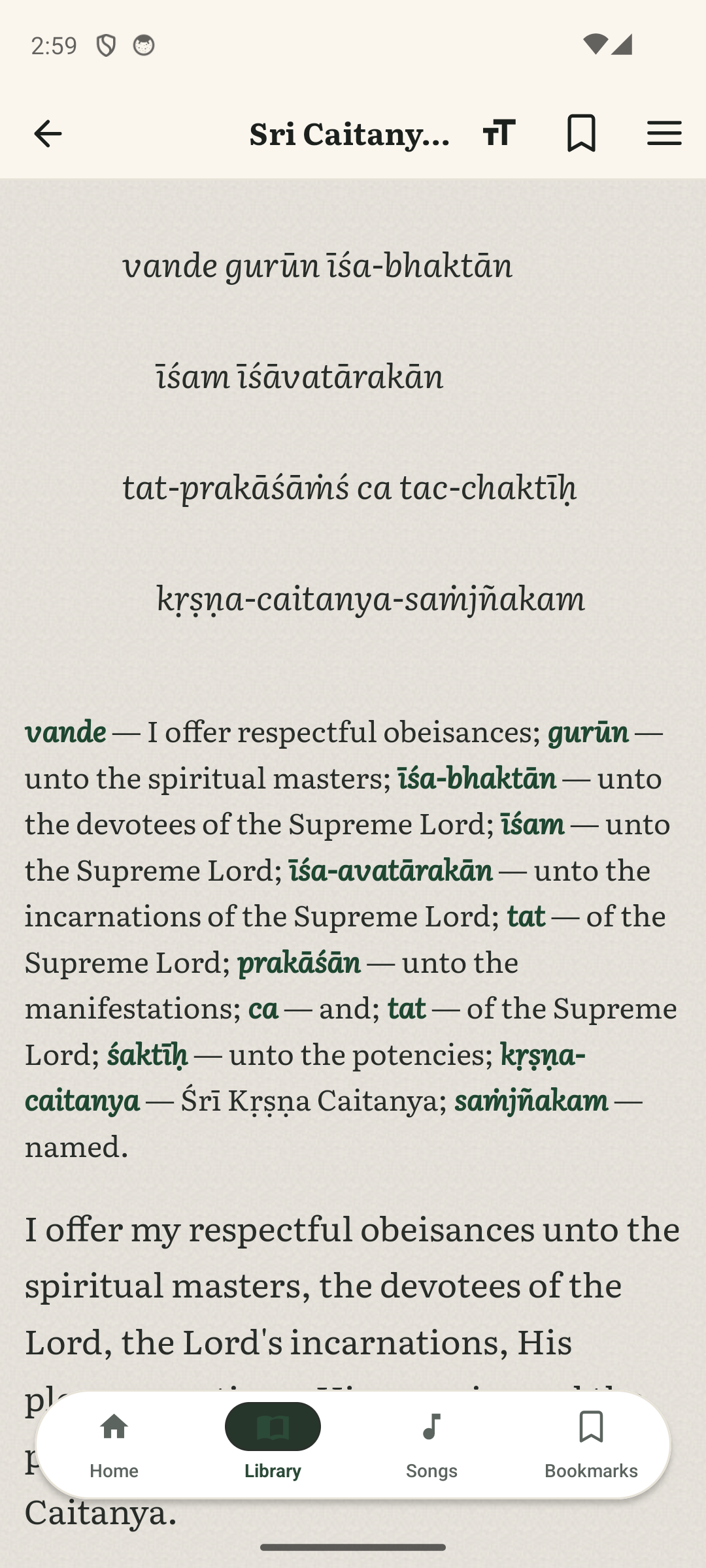
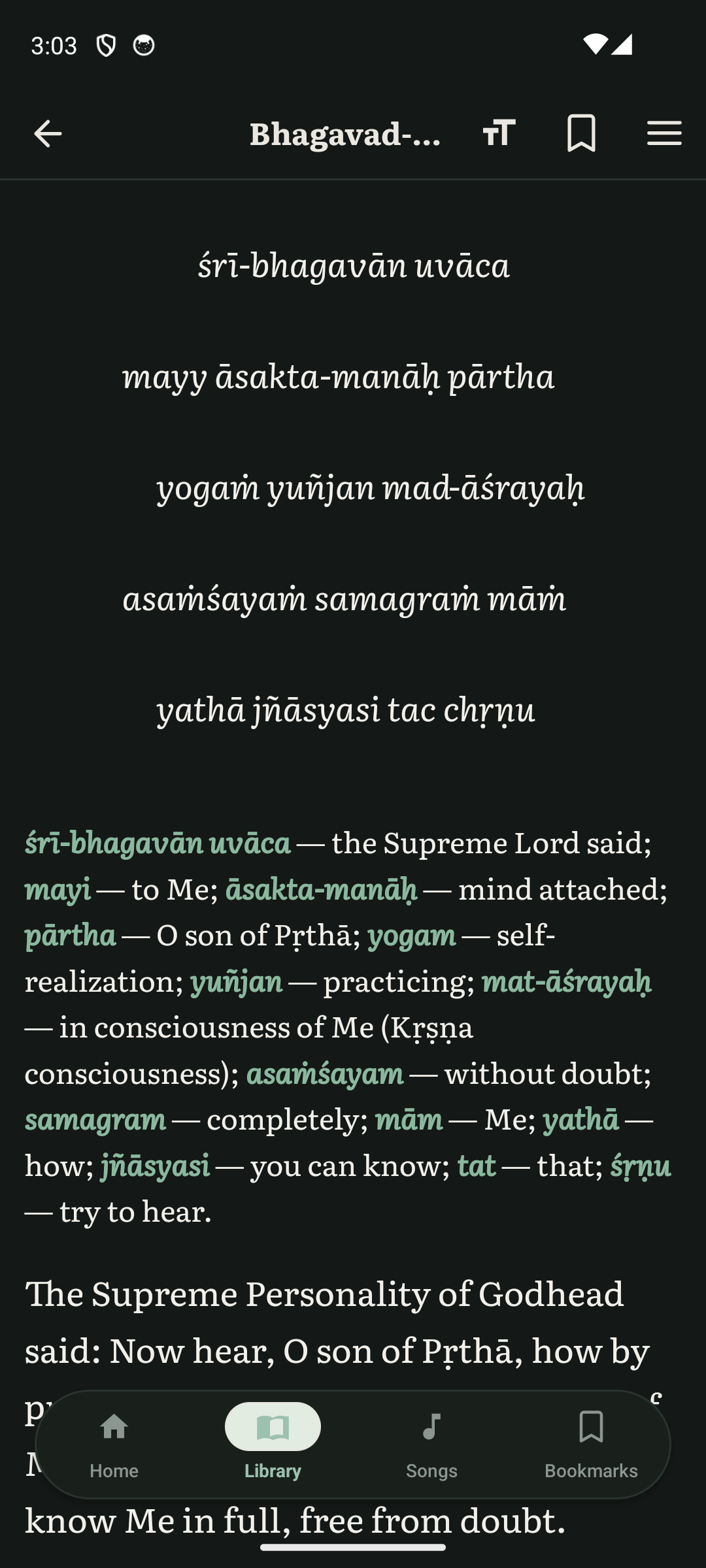
Theme and typography choices belong to the Android app; the website theme control is separate.
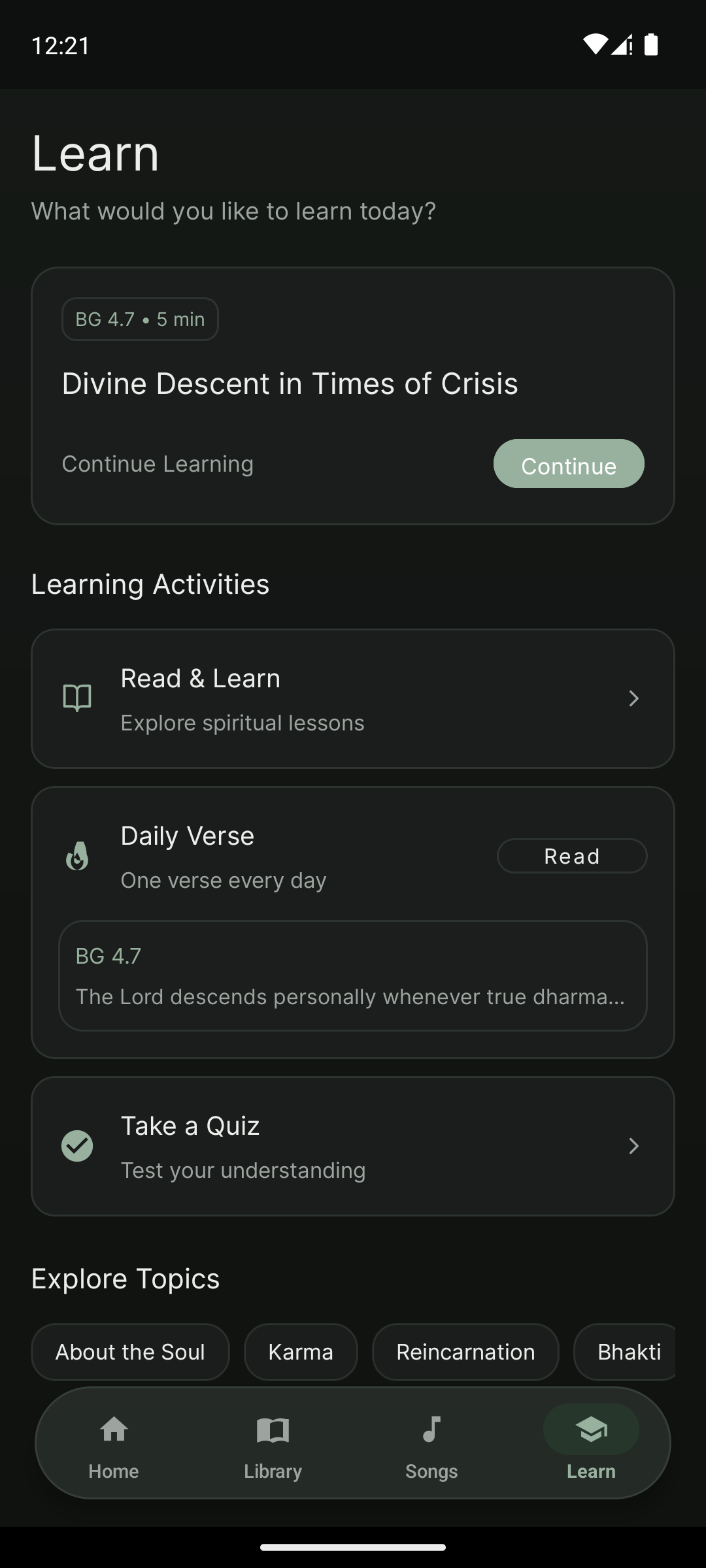
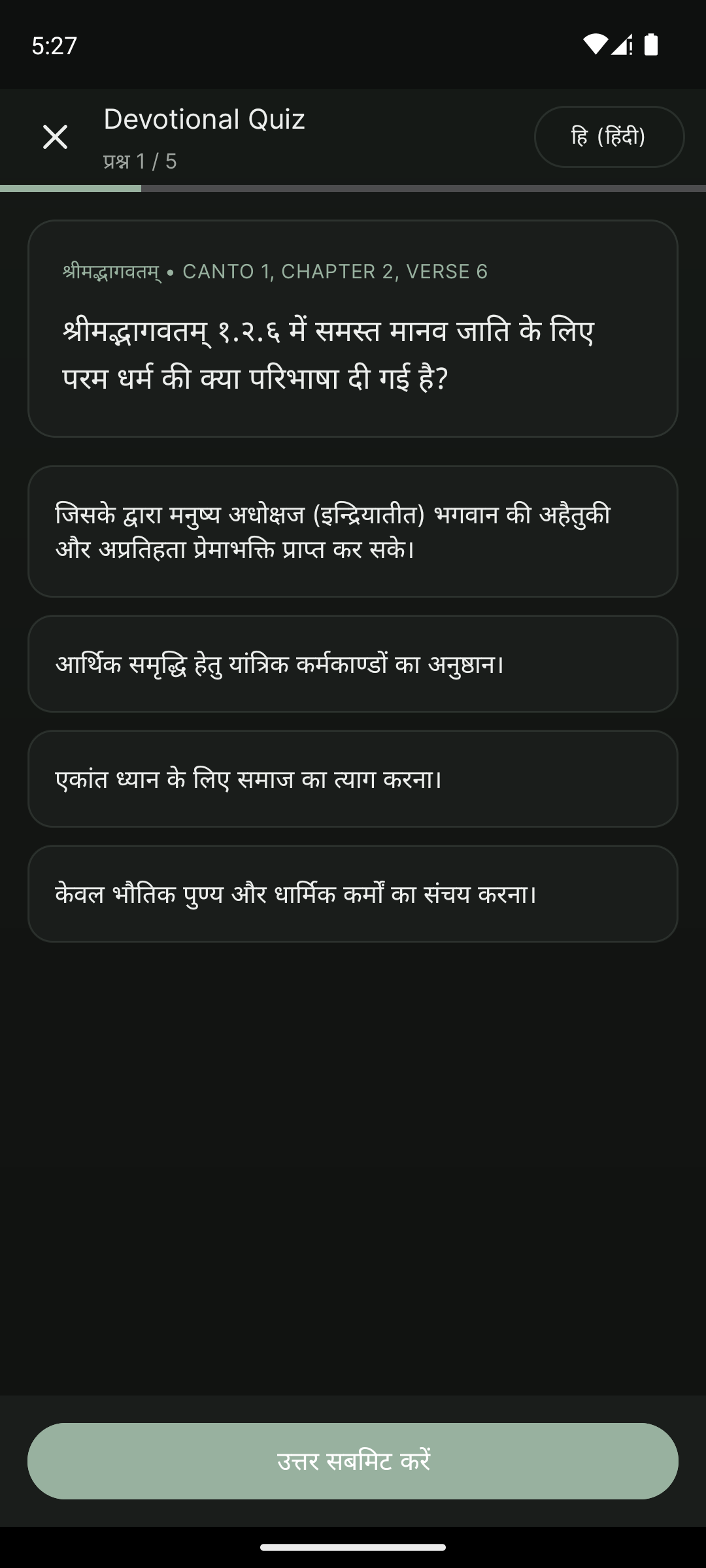
Move through spiritual topics, lessons and quiz collections grounded in the app’s learning content, including Bhagavad-gītā Introduction and ISKCON curriculum material.
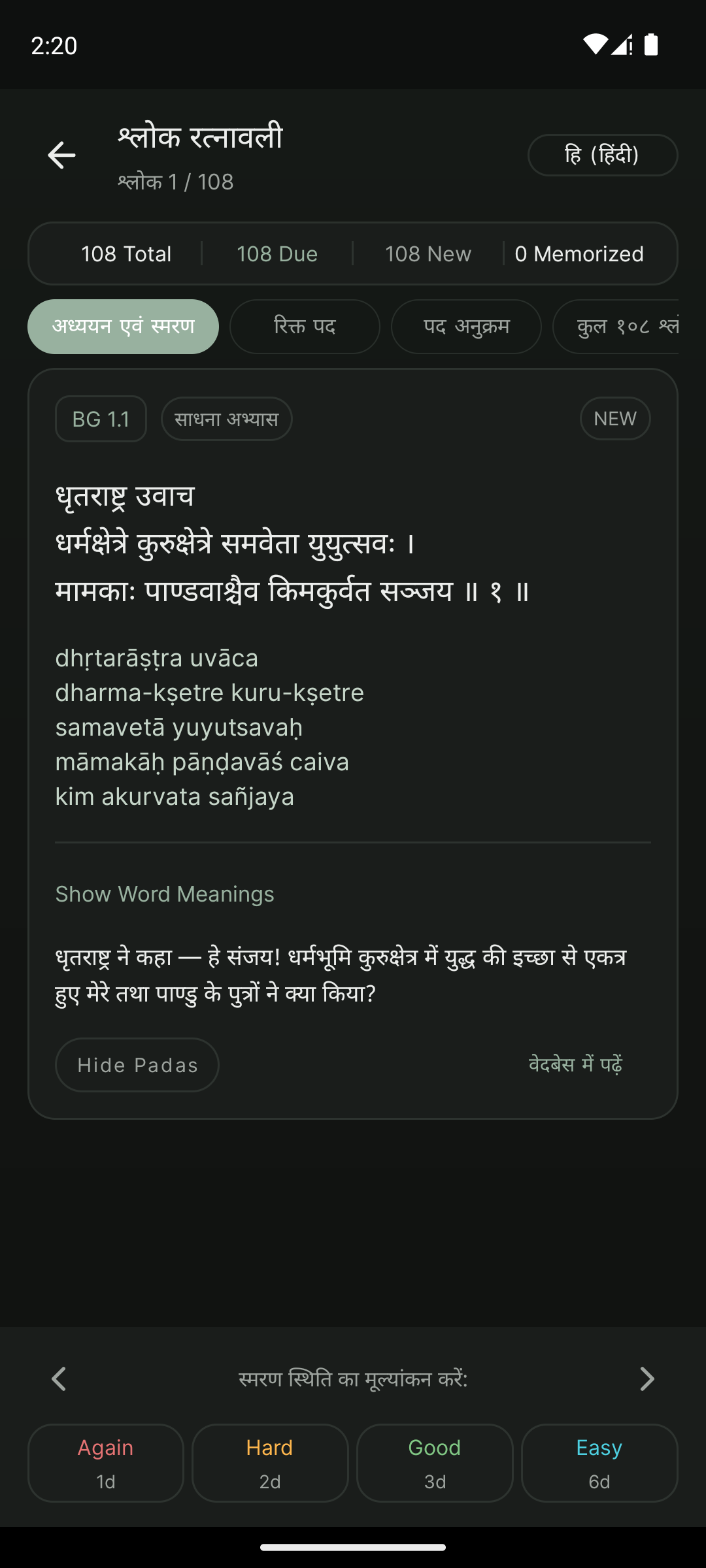
Study a collection of 108 verses through Devanagari, transliteration, synonyms and translations, then revisit them with focused recall practice.
Practice includes study, missing-pada and sequence modes, with spaced review prompts.
For signed-in accounts, the app can sync selected information with its service when connected.
Notes, saved items and tasks remain part of the app workspace; this page does not claim that they currently sync between devices. The backend has backup endpoints, but the website does not advertise a complete cloud-restore flow as active.
Authentic Android captures, shown as they appear in the app.
No standalone personal-notes, tasks or cloud-backup screenshot was available in the Android capture set; those screens are not simulated here.
A simple path from discovery to a practice you can return to.
Open a book, lesson or song.
Find a reference or a lyric.
Keep a verse and add a reflection.
Learn through quizzes and verse review.
Pick up your reading where you left it.
Daily Nectar includes account sign-in and a separate local-first workspace for saved items, notes and tasks. Sync depends on the data type, so this site only describes the account data types confirmed in the app’s sync flow.
We keep product trust claims specific and do not claim end-to-end encryption or complete anonymity.
Read the product FAQs ↓Small moments of learning can become part of everyday life.
Explore sacred literature with comfortable reading controls.
Save a meaningful reference and write down your thoughts.
Return through quizzes and verse review tools.
Daily Nectar is a subscription application. The app presents its membership options and current pricing.
Both membership periods provide the same app access. Pricing is shown in the app.
Choose a membership period in the app when you are ready.
Download Daily Nectar ↗Daily Nectar is an Android spiritual learning app for reading, devotional songs, saved items, personal notes, tasks, quizzes and verse practice.
The app catalogue lists 42 works. A catalogue entry does not mean its full text is available: 13 canonical works are designated as bundled, and other content depends on the package and download status.
Supported book content can be read offline once it is bundled or downloaded. Availability varies by title.
Yes. The Android app supports light and dark reading themes, and this website has its own independent theme control.
Yes. You can bookmark reading passages, add reflections, save learning items and keep personal notes.
The app syncs selected account data such as bookmarks, song favorites, reading positions and preferences when signed in and connected. A full personal-workspace backup flow is not presented here as an active feature.
Selected account data can sync after you sign in on another device. Notes, saved items and tasks are not represented here as cross-device synced.
Yes. Universal Search can find book titles and references, scripture passages, and Vaishnava song titles, authors and lyrics.
Learn includes guided spiritual topics, reading and learning content, quizzes, and Shloka Ratnavali verse practice.
It is a collection of 108 verses with study, memorization practice and review tools, including missing-pada and pada-sequence exercises.
The app includes multiple-choice quizzes and additional supported practice formats, including verse completion and sequence activities. Availability depends on the quiz collection.
Daily Nectar is an Android application. Current device and Android version requirements are shown in its official store listing.
No. Bundled or downloaded supported reading content works offline. Account sync and remote content need a connection.
Use the Google Play destination when it is configured below. Until the official listing is set, the download page shows a coming-soon message.
Discover a calmer way to read, learn, reflect and remember.
Android app · Version 2.1.4